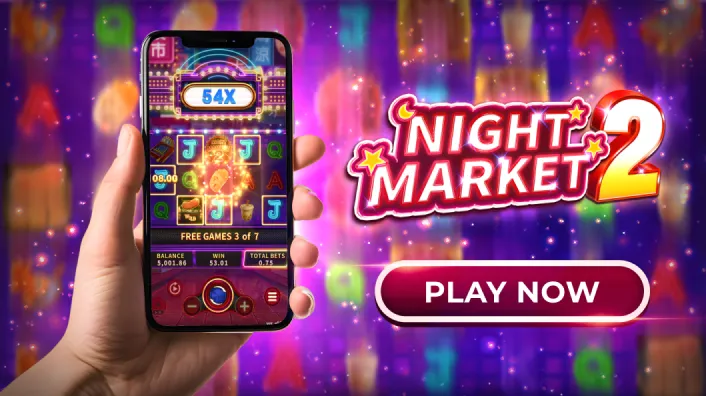
How to Start Night Market 2 Casino Gameplay on Your Phone Without Issues on Casino Plus?
How to Play Night Market 2 Casino on Your Phone Without Technical Problems on Casino Plus?
You can start Night Market 2 Casino gameplay on your phone more smoothly by using the official Casino Plus site, preparing your device, and maintaining a stable connection; though occasional issues may still occur due to network or device limits beyond Casino Plus’ control.
What Should You Prepare Before Playing Night Market 2 Casino on Your Phone?
Before starting Night Market 2 Casino gameplay, make sure your phone has a stable internet connection, updated browser or app, and enough memory to run smoothly. These preparations help reduce loading issues, though some performance limits may still depend on your device or network conditions.
Why Play Night Market 2 Casino on Your Phone?
Night Market 2 Casino is designed to be mobile-friendly, letting you enjoy lantern-lit visuals, fast spins, and immersive gameplay wherever you are. Casino Plus optimizes Night Market 2 Casino for smartphones, so players can access the game without complicated setup or heavy device requirements.
That said, mobile gaming depends on factors like internet stability and device performance—some issues are unavoidable, but many can be minimized with the right preparation.
How Do You Prepare Your Phone for Night Market 2 Casino?
Before launching Night Market 2 Casino, make sure your phone is ready:
- Use a stable Wi-Fi or mobile data connection
- Close unused background apps
- Update your mobile browser or Casino Plus app
- Ensure enough storage space
These simple steps reduce loading delays and help Night Market 2 Casino run more smoothly on Casino Plus.
How Do You Access Night Market 2 Casino on Casino Plus Mobile?
To start Night Market 2 Casino gameplay on your phone:
- Open your mobile browser and visit the official Casino Plus website
- Log in or register (players must be 21 years old and above)
- Navigate to the Slots section
- Search for Night Market 2 Casino
- Select the game and choose your preferred bet mode
Casino Plus makes Night Market 2 Casino easy to find and launch, even for first-time mobile users.
How Do You Start Playing Night Market 2 Casino Without Lag?
Once inside Night Market 2 Casino, these tips help avoid interruptions:
- Stick to one active browser tab
- Avoid switching apps during spins
- Keep your screen orientation locked
- Use standard bet mode if your connection is unstable
Casino Plus provides a stable platform, but internet fluctuations or older devices can still affect Night Market 2 Casino performance. When that happens, refreshing the page or reconnecting usually resolves the issue.
What Should You Do If Night Market 2 Casino Freezes or Loads Slowly?
It’s important to be realistic—mobile gameplay isn’t always perfect. If Night Market 2 Casino experiences delays:
- Pause the session and refresh the page
- Recheck your internet connection
- Log out and back into Casino Plus
- Try again after switching networks
Casino Plus helps players manage issues, but uncontrollable factors like network outages or device limitations can still occur.
How Do You Protect Your Account While Playing Night Market 2 Casino?
Security matters when playing Night Market 2 Casino on your phone:
- Always log in through the official Casino Plus site
- Avoid public Wi-Fi when possible
- Log out after each session
- Enable phone security features
Casino Plus operates as a PAGCOR-licensed platform, reinforcing trust and player protection.
How Do You Play Night Market 2 Casino Responsibly on Mobile?
Casino Plus encourages responsible play. When enjoying Night Market 2 Casino on your phone:
- Set time and budget limits
- Take breaks between sessions
- Play only if you are 21+
Try other Casino Plus games, such as Lucky Fortunes 3x3, Songkran Splash, or Baccarat Jackpot games for smooth mobile gameplay!
Can You Start Night Market 2 Casino on Mobile Without Issues?
Yes—with the right setup and expectations, Night Market 2 Casino runs smoothly on mobile through Casino Plus. While some issues are beyond control, Casino Plus provides tools, stability, and support to help players manage them responsibly.
If you want vibrant visuals, easy access, and flexible gameplay, Night Market 2 Casino on Casino Plus offers a mobile experience that keeps the night market magic alive—right in your pocket.
Keywords
Night Market 2 Casino